Run your operation from anywhere.
Messaging, files, tasks, people, and attendance — in one secure mobile workspace. Built for real operations, not just chat.
Same account, same permissions — the workspace your team already trusts, now in your pocket.
Coming soon


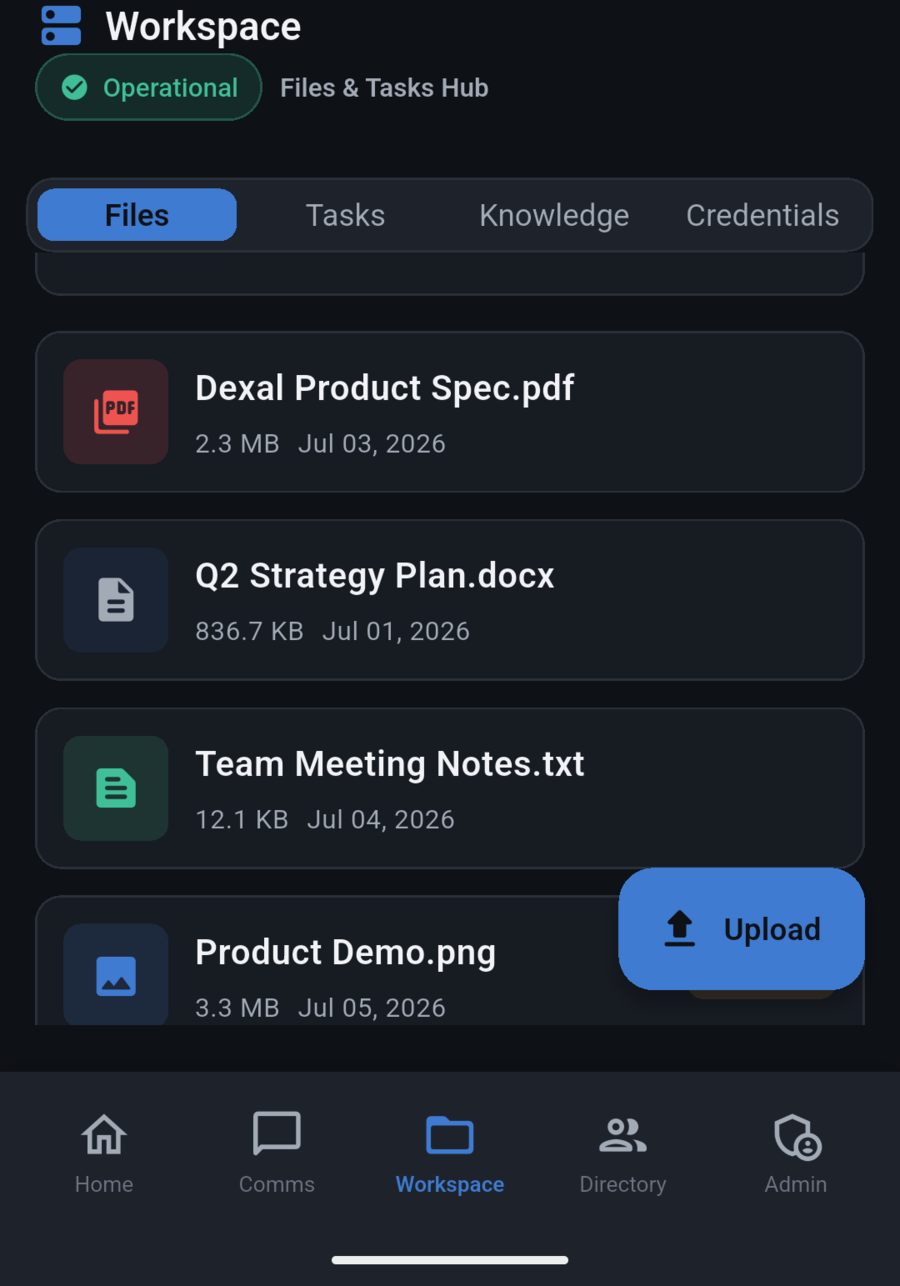
Everything your team runs on, wherever they are.
Team messaging
Keep conversations moving without opening a laptop.
Files and documents
Reach the files your team needs, right from the field.
Tasks and follow-ups
Stay on top of assigned work and what happens next.
Directory access
Find and reach the right teammate in seconds.
Attendance & clock-in
Punch in and out with location context, right from the field.
AI help, optional
Ask for a summary or a draft only when you need it — off by default, private always.
Built for secure operations.
Dexal Mobile is part of the same secure workspace your team already uses for messaging, files, tasks, people, and admin. The goal is simple: one trustworthy place to run internal work, whether your team is at a desk or on the move.
One workspace, everywhere
Mobile shares the same secure workspace as desktop — messaging, files, tasks, people, and admin.
Same security, same account
Your sign-in, permissions, and access controls carry over exactly as configured. Nothing extra to set up.
Built for real operations
Designed for the way operations teams actually work in the field — not a stripped-down chat app.
Bring your operation with you.
Dexal Mobile is coming soon. Join the waitlist to be the first to know when it's ready for your team.
No commitment — we'll only email you when it's ready.